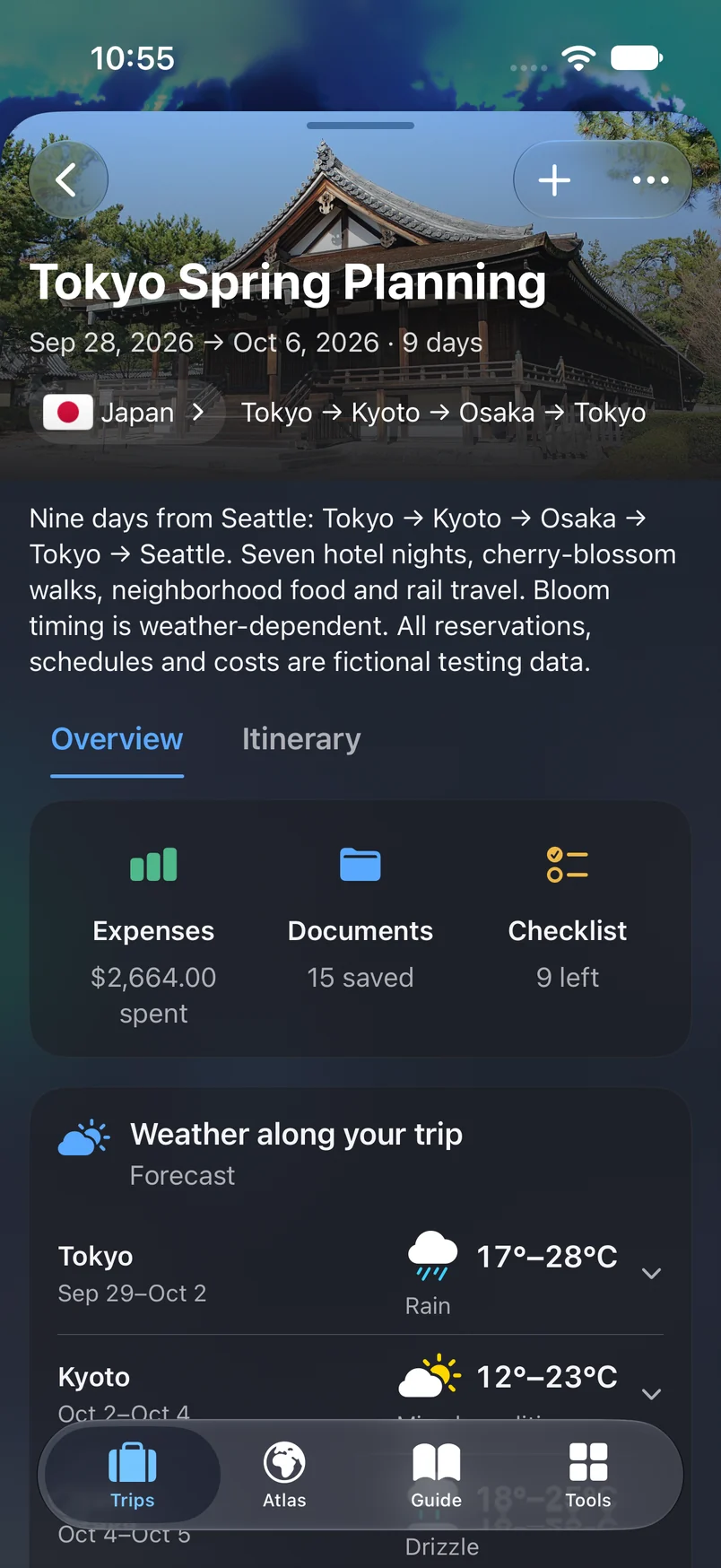
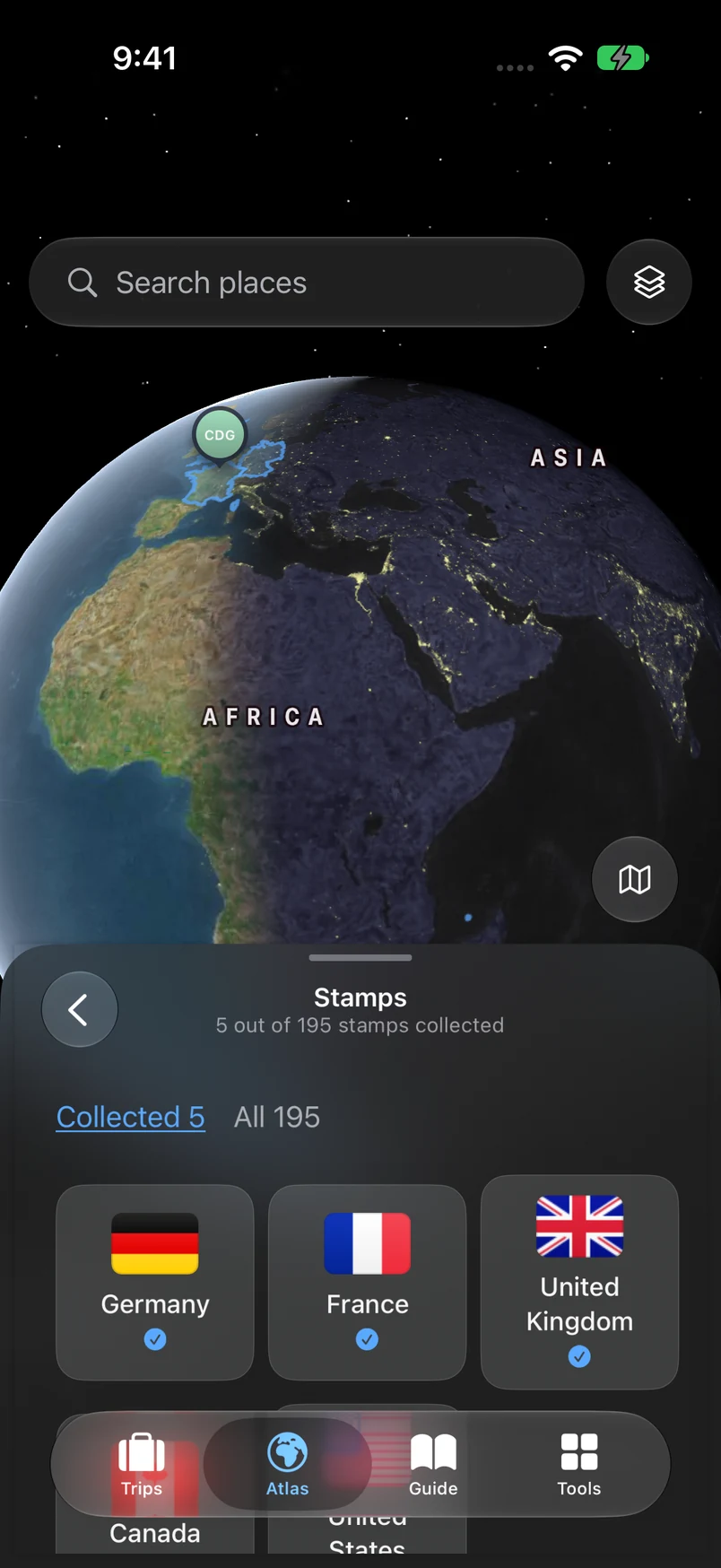
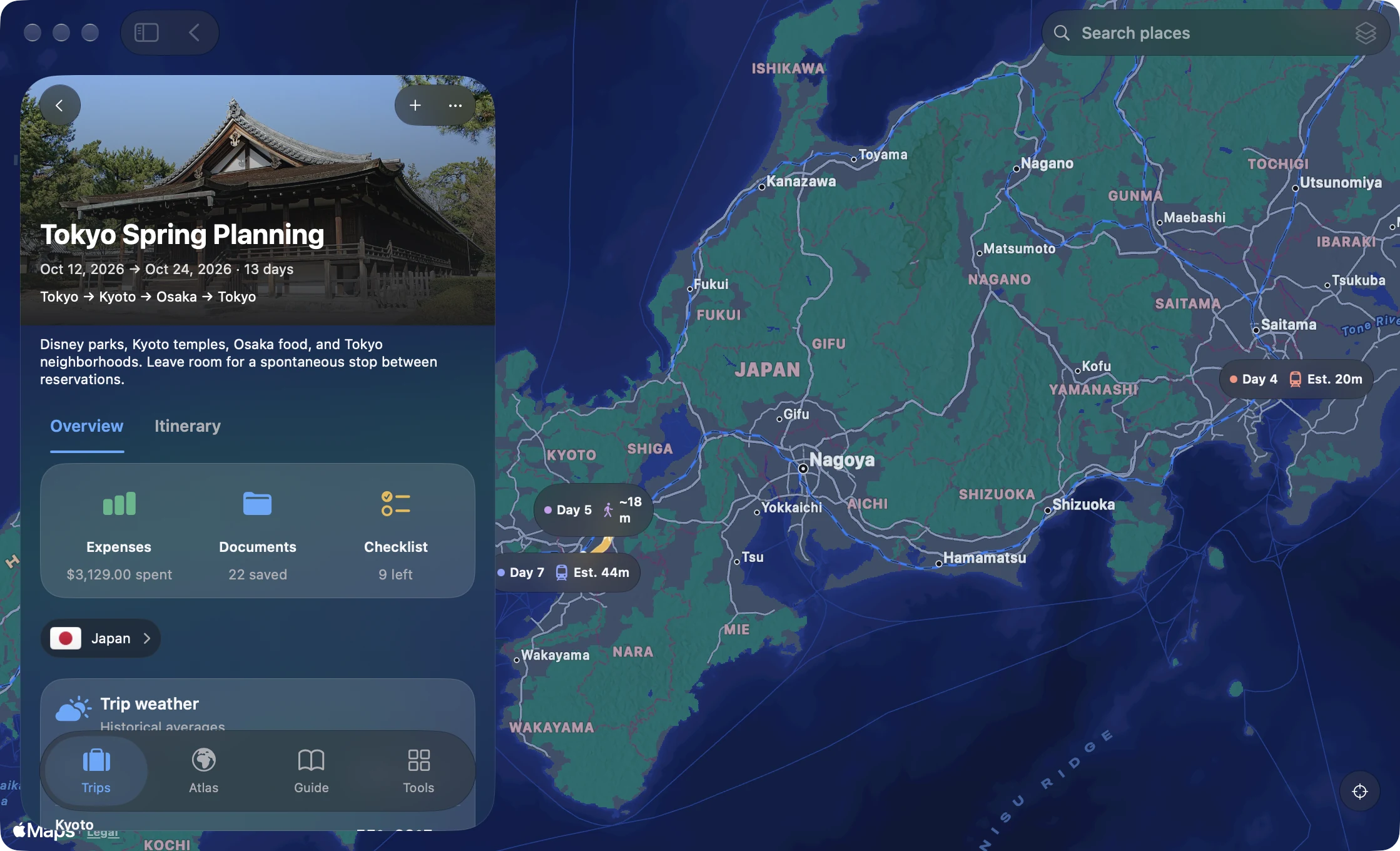
Plan daily itineraries, map the countries you’ve visited, and keep the details of every trip. Your plans, packing lists, and travel memories, together on iPhone and Mac.
TakeOff is a travel planner and personal travel record for iPhone and Mac. Plan daily itineraries, track visited countries on your world map, collect passport stamps, and keep useful travel tools close.
What can I use for free?+
Trips, itinerary planning, packing, Atlas, Passport, Guide, basic currency conversion, and optional iCloud sync are free. All current travel tools and widgets are included.
Can I bring my travel history with me?+
Yes. Mark countries yourself, scan geotagged photos when you choose, or import supported travel files from Settings. Review your imported countries before saving.
Does TakeOff track live flights?+
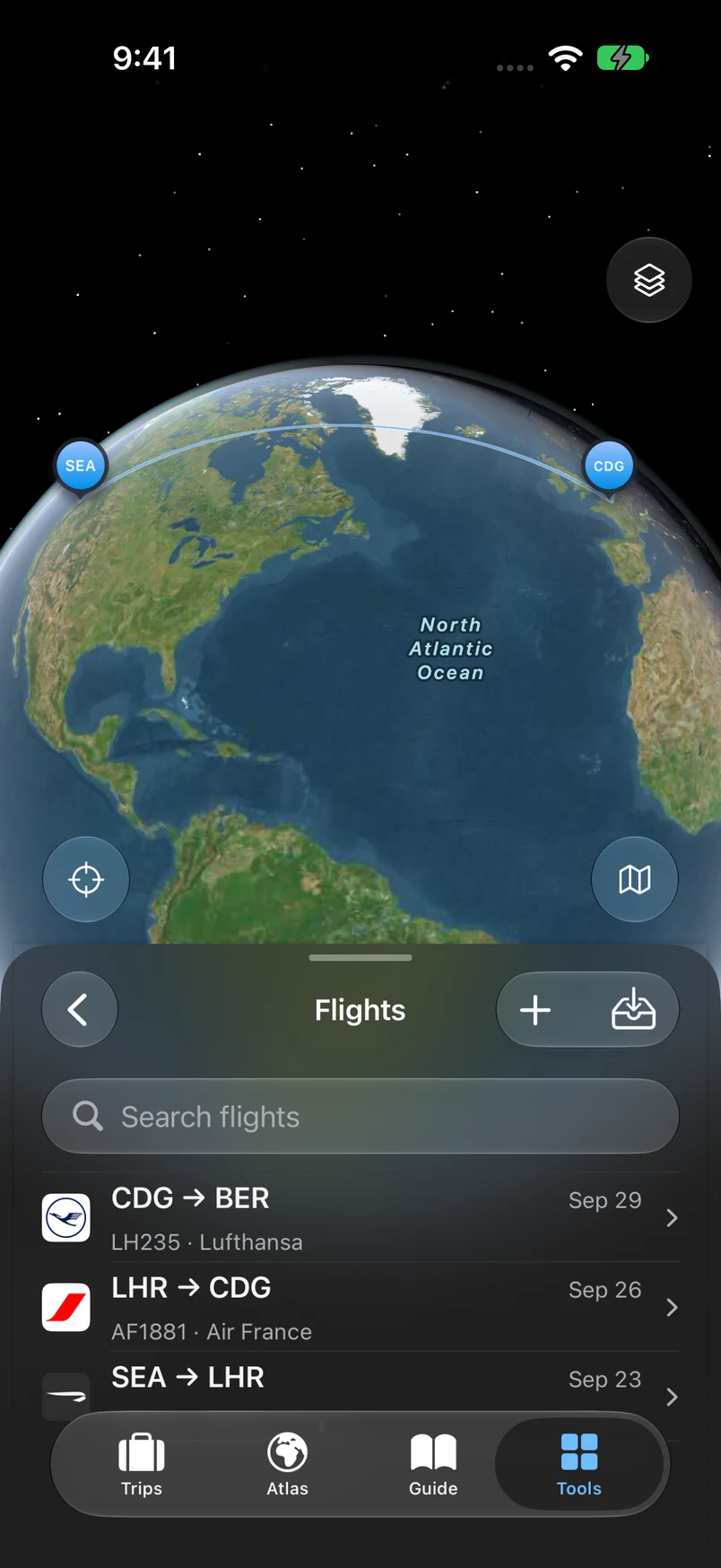
Flights keeps a record of the routes you’ve flown and can link them to trips. For live delays, gate changes, and operational alerts, use your airline or a live flight tracking app.